Connecting Stripe
Connecting Stripe
Invoice Grabber allows you to connect Stripe as an inbound source so your Stripe invoices are collected automatically, enriched with data, and made ready for automation.
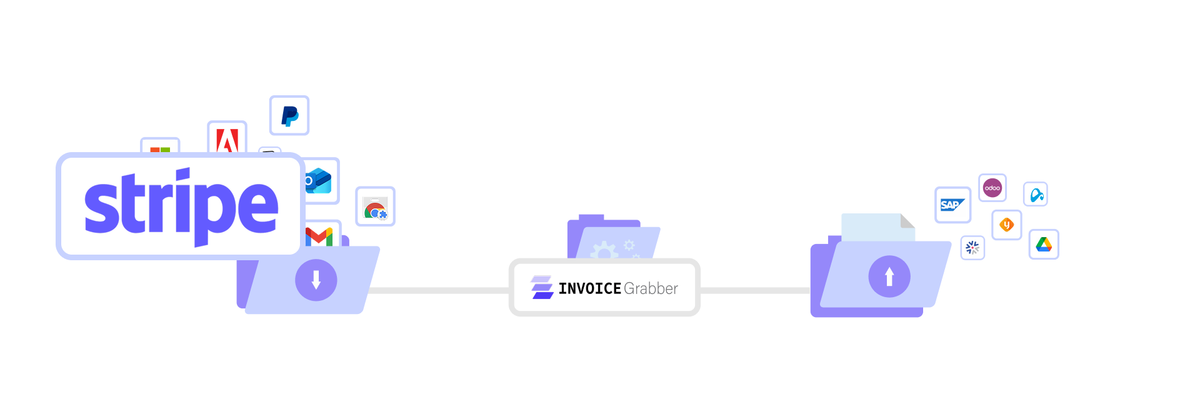
Once connected, Invoice Grabber takes care of the full lifecycle: collection, categorisation, and forwarding to accounting or Peppol.
How the Stripe connection works
Stripe is connected via OAuth.
This means you explicitly authorise Invoice Grabber to access your invoices — no manual uploads, no API keys to manage.
After authorisation:
- Invoice Grabber performs an initial sweep of historical invoices
- From that moment on, every new Stripe invoice is captured automatically
- Invoices appear in your Invoice Grabber dashboard as soon as they are available
Each invoice is:
- Fully downloaded as a PDF
- Parsed and enriched with fields (amounts, dates, supplier, references, etc.)
- Categorised and ready for workflows
Ways to connect Stripe
There are two ways to add Stripe as a source.
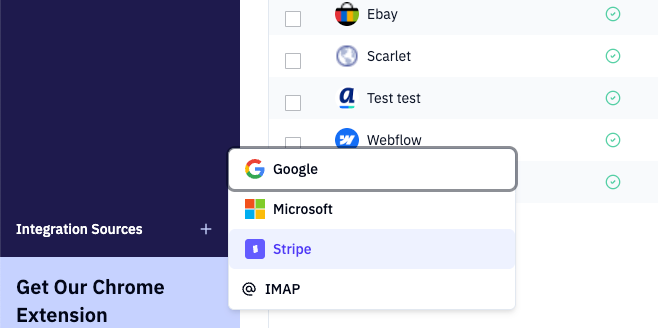
Option 1: Via Sources
- In the left-hand menu, go to Sources
- Select Stripe
- Complete the OAuth flow with your Stripe account
- Once connected, Invoice Grabber immediately starts fetching invoices
Option 2: Via Settings
- Go to Settings
- Open General
- Add Stripe as an inbound source
- Complete the OAuth flow
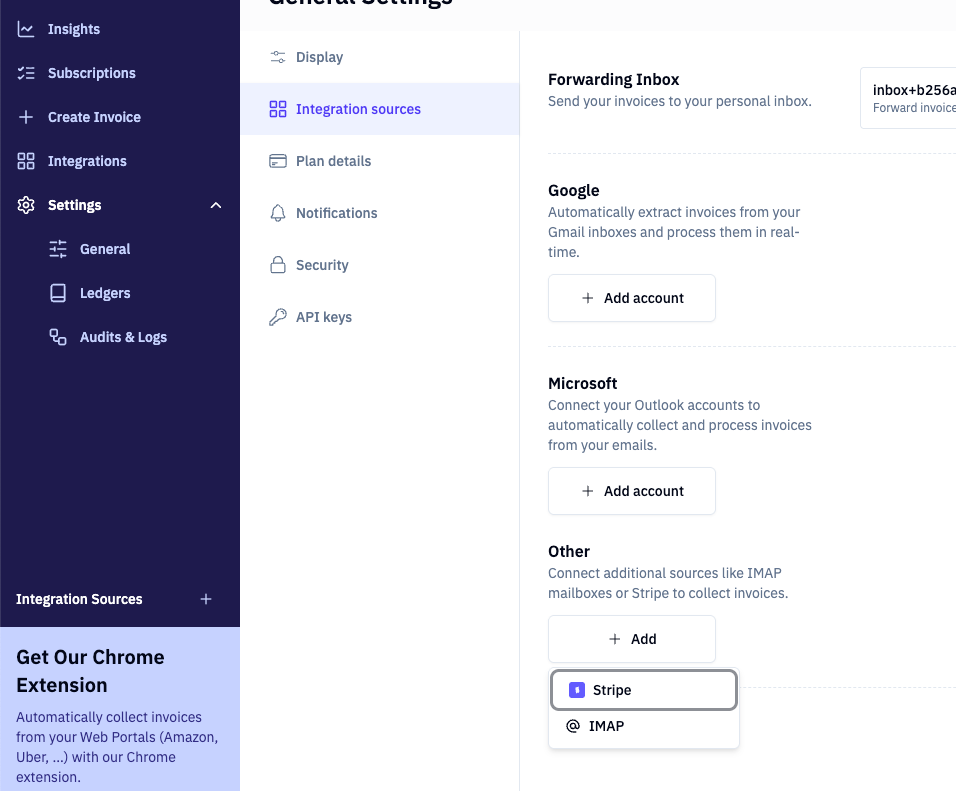
Both options result in the same setup. Choose whichever fits your workflow best.
What happens after connection
Once Stripe is connected:
- Past invoices are imported automatically
- New invoices are captured continuously
- Invoices are visible in your dashboard with all detected fields
- You can immediately apply automation workflows
No further action is required to keep invoices up to date.
What you can do with Stripe invoices
After collection, you can automate what happens next.
Send invoices to your accounting or ERP
You can forward Stripe invoices directly to your accounting or ERP system.
This typically involves sending the original PDF and structured metadata.
Read more in the workflows section.
Send Stripe invoices to Peppol (Europe)
For European users, Stripe invoices can also be sent to Peppol.
Because Stripe does not natively send Peppol invoices, Invoice Grabber handles this for you.
What happens:
- The Stripe invoice is converted into a compliant Peppol XML
- Both sender and receiver are registered
- The invoice is submitted to the Peppol network
- Status and failures are tracked in the workflow
This ensures full compliance with European e-invoicing legislation.
Enabling Peppol for Stripe invoices
To send Stripe invoices to Peppol, you need to configure two things.
Step 1: Register your ledger as a Peppol ledger
- Open your ledger settings
- Register the ledger for Peppol usage
- This enables Peppol-specific workflows
Step 2: Add a Peppol workflow step
- Go to your workflow configuration
- Add the Peppol submission step
- Save and activate the workflow
From that point on:
- XML generation
- Party registration
- Submission to Peppol
- Error handling and retries
are all handled automatically.
If a submission fails, the workflow is flagged and all related data is preserved for review.
Summary
- Stripe is connected via OAuth
- Invoices are collected automatically (past and future)
- All invoices are downloaded, parsed, and categorised
- You can forward invoices to accounting or ERP systems
- In Europe, Stripe invoices can be made fully Peppol-compliant through workflows
Once connected, Stripe becomes a fully automated invoice source inside Invoice grabber

